
Apple TV · tvOS 17+
Lumenroom
An aquarium with schools of fish, a crackling fireplace, drifting clouds, northern lights: 51 mood scenes created in real time on your Apple TV. No videos, no loop – never the same twice.
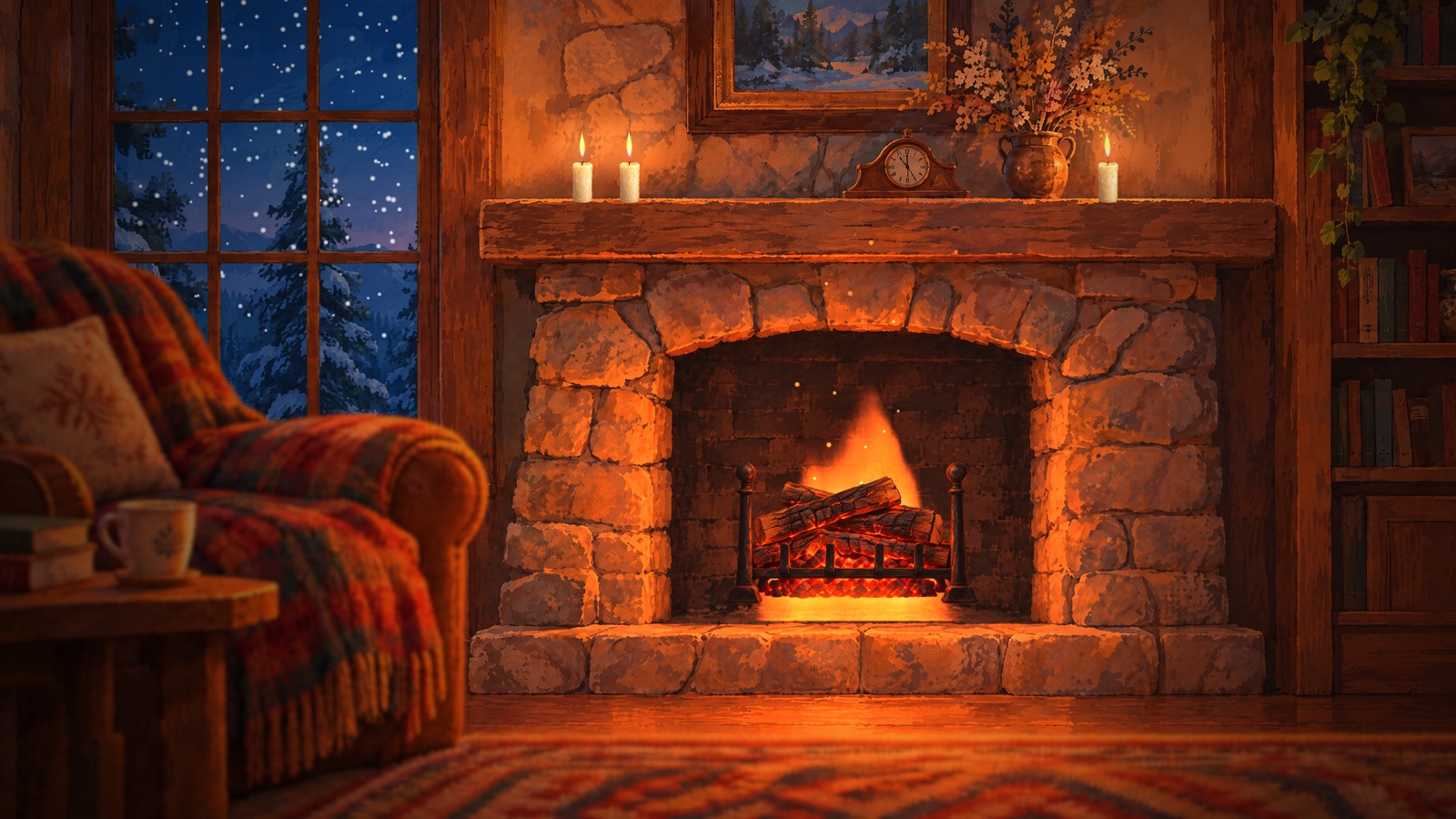
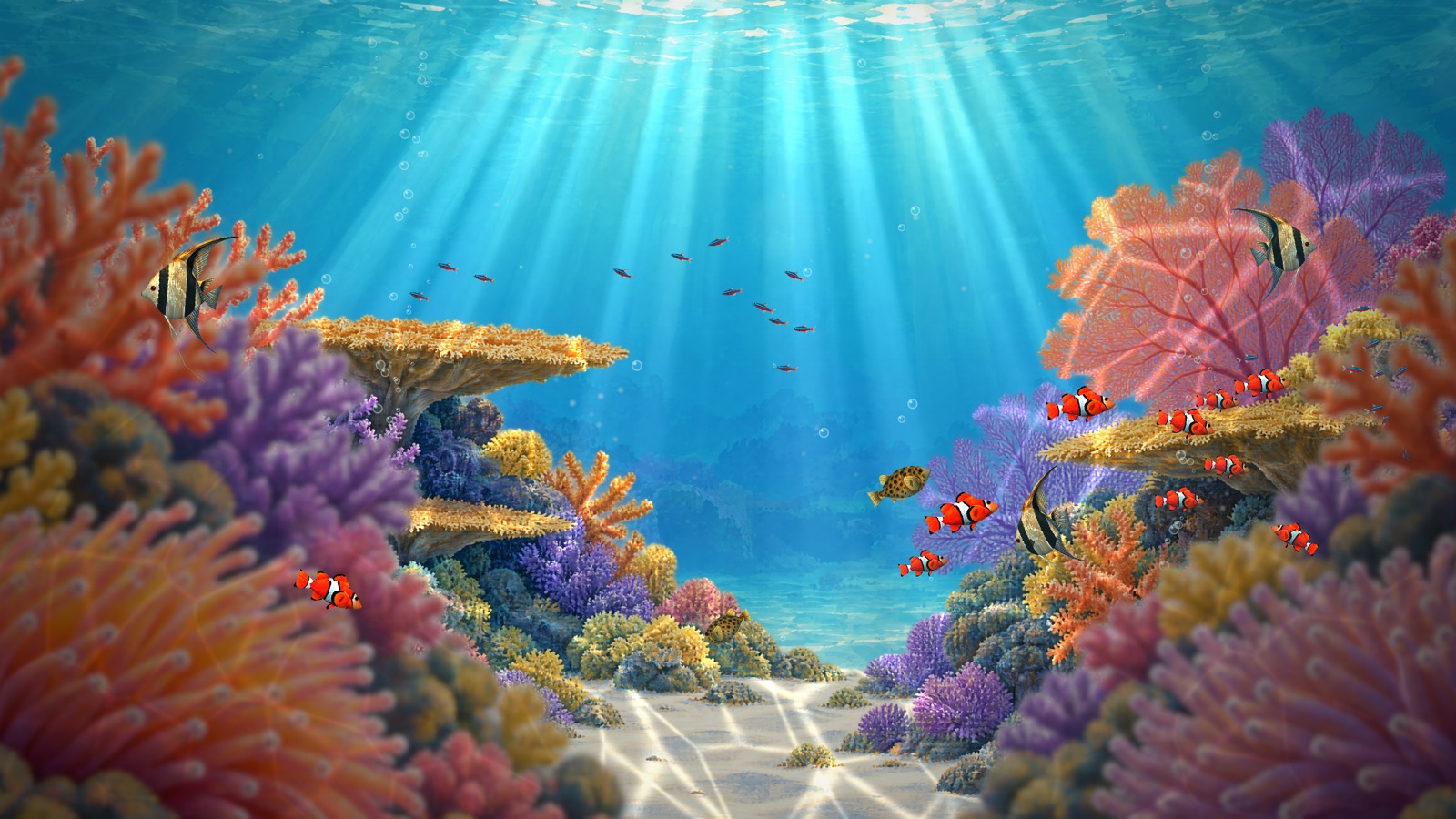
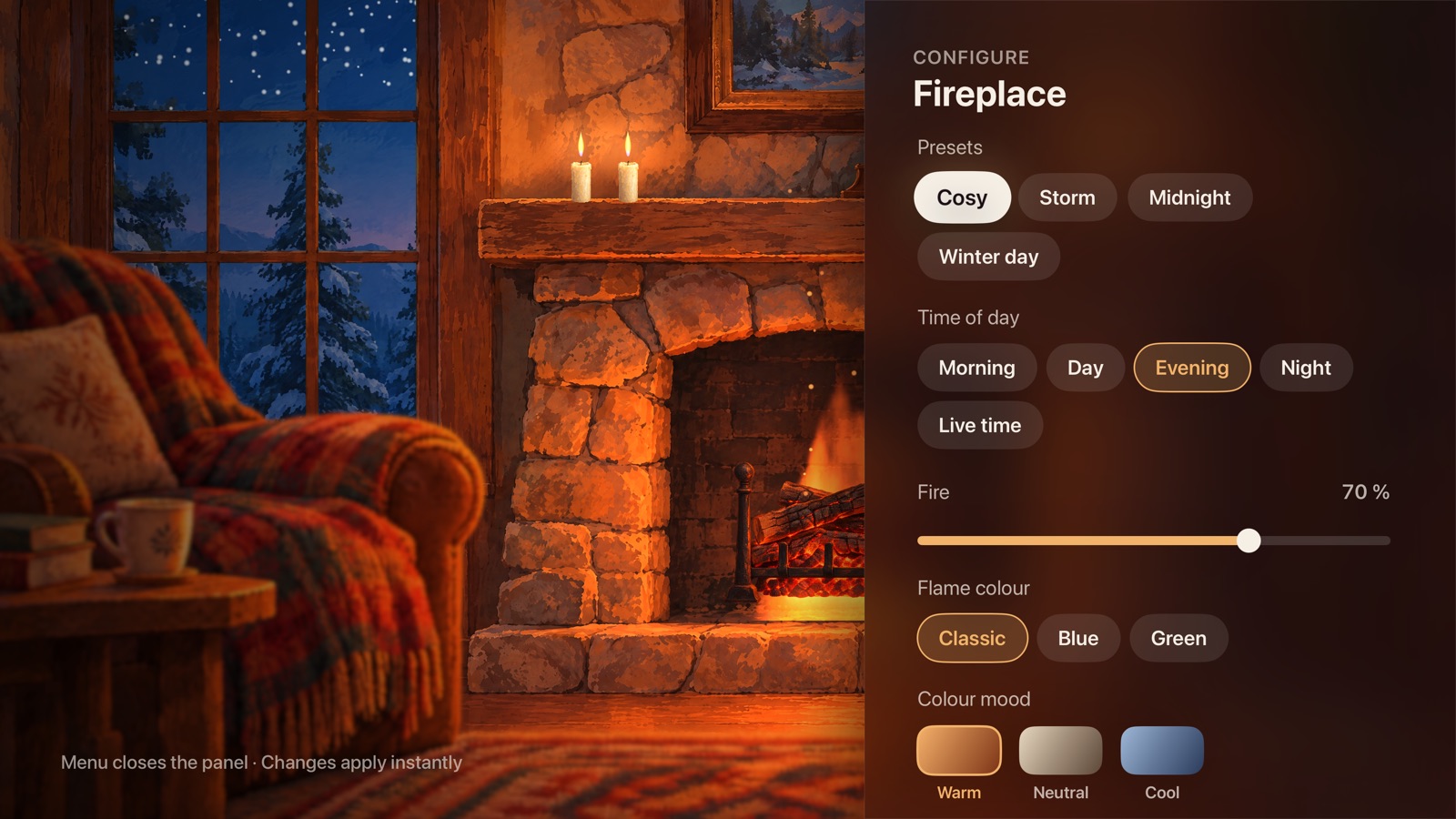
- Your scenePresets, time of day, colours, intensity and sound – your own presets sync through iCloud.
- For every eveningSleep timer, sound mixer, clock and weather, automatic scene change.
- Fair, no subscriptionFour scenes free, one premium scene free every month, one-time purchases with Family Sharing.
- SafeLight changes below three flashes per second, flash effects can be switched off for every scene.
Help
How do I control a scene?
Click the touch surface of the Siri Remote while a scene is playing. The bar with presets, settings, sound and sleep timer appears; the Menu button closes it. In party scenes the touch surface taps the beat, and the Play/Pause button opens the bar.
How does the test time work?
You can try every premium scene in full for ten minutes once a day, including all settings. Then the scene fades out gently; the next day the test time is back.
I already bought something – how do I restore purchases?
Use "Restore purchases" in the Shop or in Settings. Your Apple TV must be signed in with the Apple Account you bought with.
Can my family use my purchases?
Yes. All purchases support Apple's Family Sharing. Members of your family group unlock the scenes with "Restore purchases".
The weather does not show.
Turn on "Show weather" under Settings › Clock & weather and allow location access when tvOS asks. If you declined, you find the permission in the tvOS settings under Privacy › Location Services › Lumenroom.
I am sensitive to flashing lights.
Turn flash effects off in Settings. No scene then shows flashes, lightning or fast light changes, and the party strobe cannot be switched on.
The scene stutters on my Apple TV.
Under Settings › Quality you can choose a lower level instead of "Automatic". "Economy" is meant for older models such as the Apple TV HD.
Contact
Questions, bugs or ideas for new scenes? Write to info@tentonix.de. We answer in German, English and Spanish.